The Vault tab lets ADC work smoothly alongside Autodesk Vault.
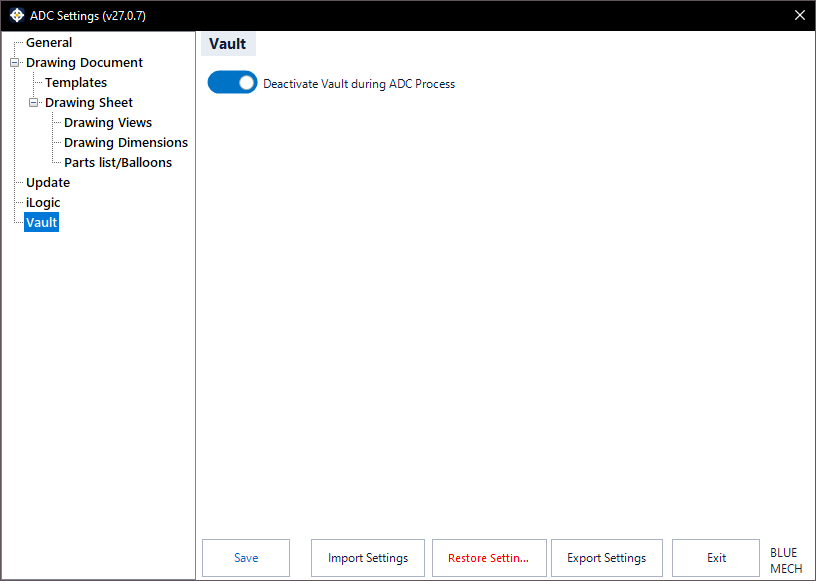
Deactivate Vault during ADC Process
- Activated: ADC temporarily disables Vault interaction while it creates drawings, then restores it afterwards. This avoids check-in / check-out prompts and other Vault interference slowing down or interrupting a batch run.
- Deactivated: Vault stays active throughout the process.