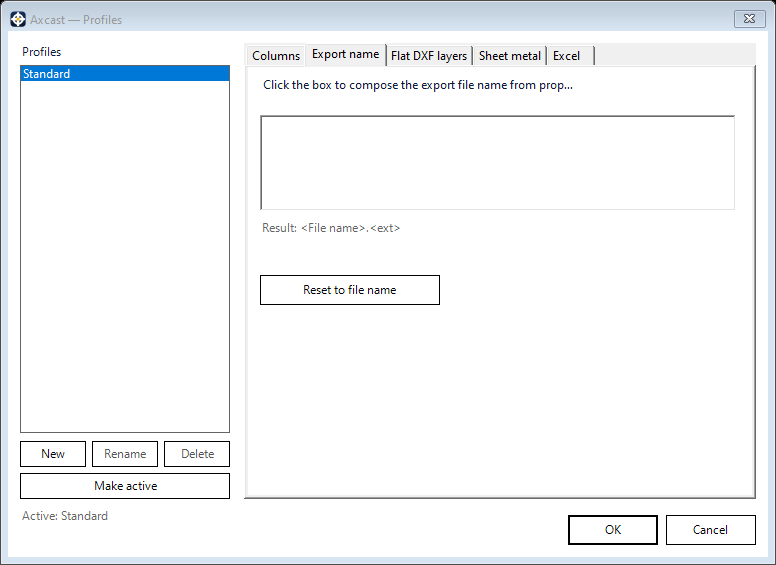
The Export name tab sets how output files are named. By default the exported file keeps the source file’s name, and the format supplies the extension.
Building a pattern
The pattern box is edited directly, mixing your own text with properties taken from the component. Click it to open the property picker — the same one described in Property Composer — and insert a property wherever the name needs one.
So a pattern of <Part Number>_<File name> turns a part numbered BRK-1042 in Drive Casing.ipt into BRK-1042_Drive Casing, plus the format’s extension. A preview under the box shows the result as you edit.
Names are built from data the component list has already read, so adding properties to the pattern does not make Axcast reopen your files. Characters that are not legal in a file name are replaced.
Reset to file name puts the default back. The pattern is stored per profile, and an individual row can still be overridden in the Export name column on the main form.