The component list can be written to an Excel file at any time, with Grid → Excel on the main form. What you get is the list as you are looking at it — the columns your profile shows, in their order, filtered the way you have filtered them.
A plain export arrives with a header row, filter dropdowns, the header row frozen and the print area set, so it is ready to hand on rather than needing tidying first.
Writing into your own template
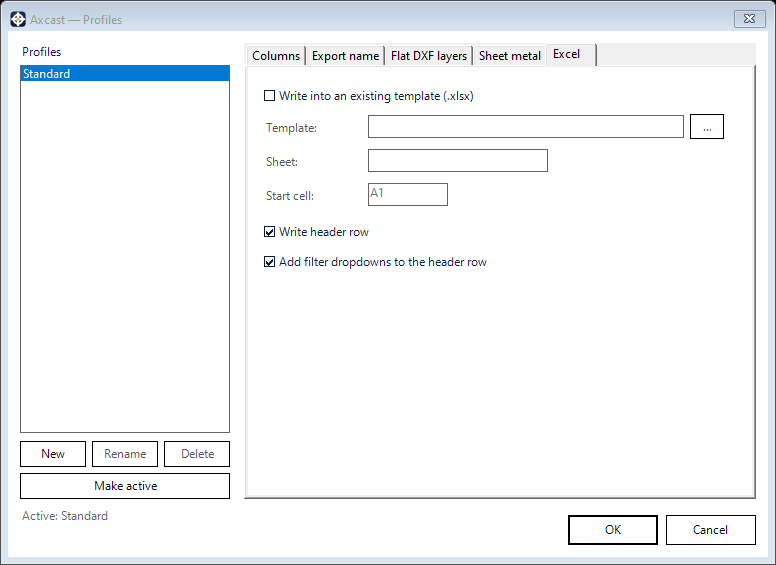
If your company has a form the data is supposed to land in, the Excel tab points Axcast at it instead:
- Template — the
.xlsxto write into. It is used as a template; the file you nominate is not overwritten - Sheet — which worksheet inside it to use
- Start cell — where the data begins, so your own headings, logo and notes above it stay intact
- Write header row — include the column headings, or leave them out when the template already has its own
- Add filter dropdowns — put filters on the header row
Column headings follow whatever you renamed them to on the Columns tab, and the settings are stored per profile.